
December 29, 2024
Question

Turbo Tax doesn't allow me to enter my property tax in 2024

  • December 29, 2024
  • 11 replies
  • 0 views

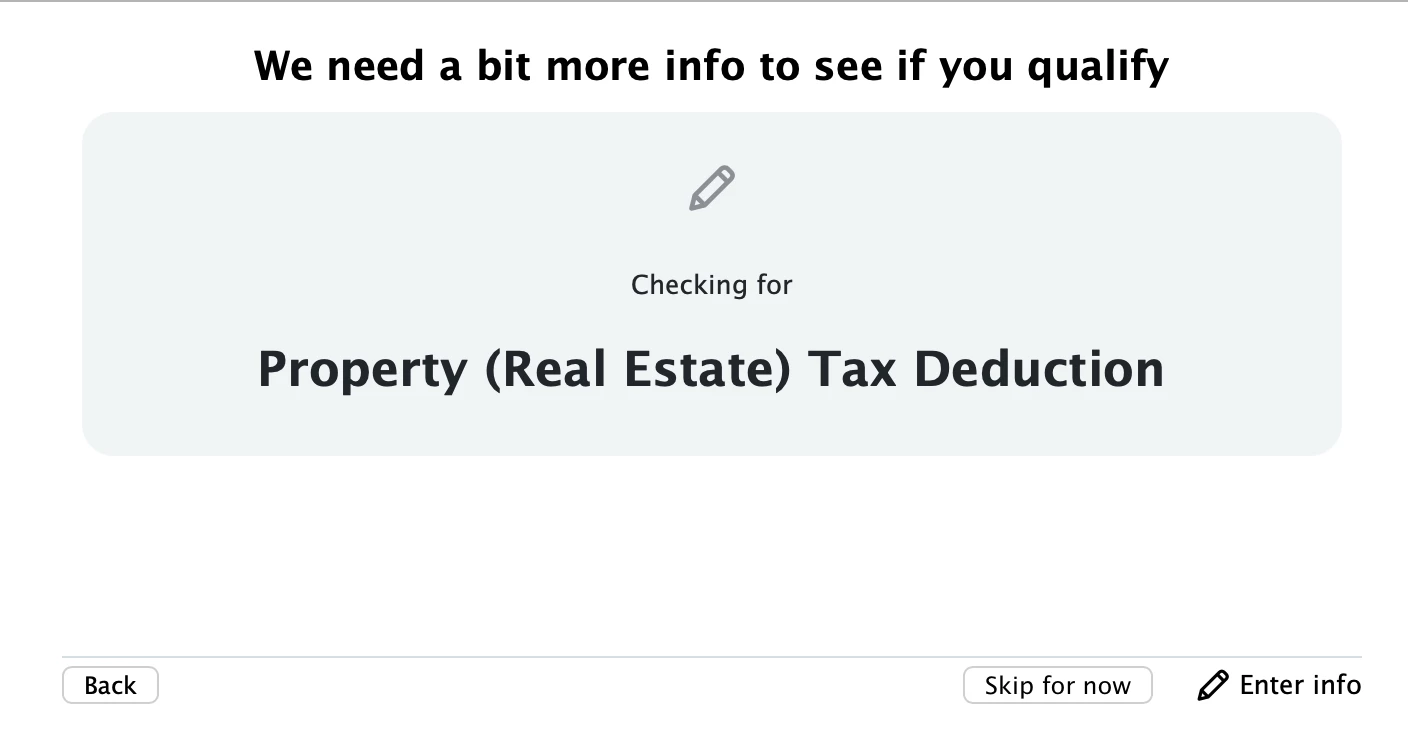
I received my mother's house as my share of the estate.  I paid the 2024/2025 property tax on 06 December 2024.  Every time that I enter the data the following is displayed.

    11 replies

    rjs
    December 29, 2024

    Did you click "Enter info" at the bottom of the screen that you posted? What happens when you do that?


    Are you working on the tax return for the estate or on your personal tax return?


    Are you using the web-based TurboTax Online or the downloaded desktop TurboTax software? What version are you using (Basic, Deluxe, etc.)?


    December 29, 2024

    I have clicked on the "Enter info" link.  It returns you to the "Your 2024 Deductions & Credits" page.


    This is my 2024 Personal Return.  My brother had the honor of preparing our mother's estate return.


    I use Turbo Tax Premier.  (In 2019, I did get around to tossing my ChipSoft Turbo Tax installation floppy disks.)


    VolvoGirl
    December 29, 2024

    It's still early.  That section may not be ready yet.  There are many many updates to come.  

    January 5, 2025

    I am having the exact same issue, version 0265.

    I've been using TT for decades, this year I feel I can't work for more than five minutes without uncovering a bug. 

    January 7, 2025

    I'm having the same problem. TurboTax Deluxe 2024, version 0265. Click "Enger info" and TurboTax returns to 2024 Deductions and Credits. With quarterly taxes due next week, it would be great to have an estimate of where I am for the year.

    DoninGA
    January 7, 2025

    @djlivingstone wrote:

    I'm having the same problem. TurboTax Deluxe 2024, version 0265. Click "Enger info" and TurboTax returns to 2024 Deductions and Credits. With quarterly taxes due next week, it would be great to have an estimate of where I am for the year.


    Since you are having an issue with the Deluxe desktop edition, try using the TurboTax calculator TaxCaster to get an estimate of the taxes owed or the tax refund for 2024 - https://turbotax.intuit.com/tax-tools/calculators/taxcaster/

    January 18, 2025

    I have the same problem with entering property tax information.  The message appears in the property tax section and then returns be to the menu.  This section needs repair!


    January 20, 2025

    Similar problems here.

    No resolution after 4 weeks of TurboTax updates.

    🙁🙁🙁🙁

    DoninGA
    January 20, 2025

    @ppppppratriotictaxpayer Click on Forms when using the desktop editions.  In Forms mode, open the Tax and Interest Deduction Worksheet (Tax & Int Wks) on the left side of the forms mode screen. 


    Enter the amount of property taxes paid on Line 2 of the worksheet.

    January 22, 2025

    So this workaround does take me to the appropriate spot to enter Property Tax deductions.


    The box has a "0" which is grayed out.

    While I can probably override that and enter amounts, I am reluctant.

    The issue is more about the Intuit's Software engineers getting their program updated and under control for the "Step by Step" feature.


    On the bright side, there are still a number of forms in my return that still need to be updated by the Intuit / IRS and, of course, there a couple of institutions that have not completed their official tax documents so I can move forward. 


    There's time for this to get resolved for a few us.

    January 23, 2025

    The 1/22/2024 Turbotax update did not address the property tax unavailability issue.  It would seem that a fix would be a priority as it is a key part of the deductions module!


    AmyC
    January 24, 2025

    You can either:

    • add all of the property tax together and put it in the mortgage interest section or
    • delete it from the mortgage section and enter it under property tax.

    @BBtaxman 

    **Say "Thanks" by clicking the thumb icon in a post**Mark the post that answers your question by clicking on "Mark as Best Answer"
    January 25, 2025

    I tried the suggestion repeated below and it did not work.    I have Turbo Tax Home and Business 2024.


    I even deleted the 1098 all-together and tried to enter only Property Tax under the Property Tax section (e.g. what you would do if you had a fully paid off house)  and that also resulted in the same problem.


    The program goes into a loop back to the Deductions page when clicking to enter more info on property tax page (endless loop...  likely caused by improper conditional statements in the software)


    I tried this suggestion...  

    "You can either:

    • add all of the property tax together and put it in the mortgage interest section or
    • delete it from the mortgage section and enter it under property tax.

    @BBtaxman "


    January 26, 2025

    Some TurboTax Desktop customers who have both mortgage and non-mortgage property taxes paid that they need to report, may experience an issue when entering 1098 first, and non-mortgage property taxes paid afterward in Credits and Deductions. 


    We’re currently working to resolve this issue. If you’d like to receive progress updates, sign up at this help article.


    @mcampbellcrockett @sgbeaven1 @taxes4Vito @ussdortch 


    **Say "Thanks" by clicking the thumb icon in a post**Mark the post that answers your question by clicking on "Mark as Best Answer"
    January 26, 2025

    Thanks for update. Note that the issue described is not what I am facing. 

    January 26, 2025

    It is 1/26/2025. I am using Turbo Tax Premier for a personal tax return.  I own only US properties and I am still getting the exact same loop whenever I try to edit my 2024 real estate property payments.  First time I have ever had this problem with Turbo Tax in over 20 years.

    SteamTrain
    January 26, 2025

    @mcampbellcrockett 

    @ussdortch @jksakaguchi @Nickbkeenan @BBtaxman 


    Yeah, I got that too.


    I think I figured it out, at least how to get it to work properly in the interview...at least it did for me on Windows system.

    (Discovered by accident, BUT the software fix to prevent the problem in the first place, is still needed though).

    __________________________
    If you used that Property Tax entry field last year, and if you used a Supporting Details (SD ) sheet for putting it in last year, then the SD sheet transferred (empty) into this year's forms...AND...the SD sheet is somehow blocking the "interview" for the Property Taxes entry, to transition to the proper entry page.

    _______________

    My fix:

    1) Switch to Forms Mode.

    2) Open the Tax and Interest Deduction Worksheet

    3) There should be a zero on line 2a of that worksheet....double-click on it.

    4) Delete the worksheet by hitting the big red X

    5) Either enter you Property taxes on that line....or...return to the interview and enter your property taxes using the interview ..as you normally would..should be OK now.

    _____________________


    I found that if I re-introduced a new SD sheet for that line...the interview still proceeded as it normally should. So deleting the transferred-in SD sheet from 2023 was the main fix. and starting a new SD sheet doesn't re-introduce the problem.

    ____________*Answers are correct to the best of my knowledge when posted, but should not be considered to be legal or official tax advice.*
    January 27, 2025

    I have the same problem reported problem 2 weeks ago. Was told to wait for next update Thurs. Jan 23. Update didn't fix this problem.  Since the ability to file is coming up, I would think that they would fix this standard item.  I see some do not have the problem.  Is there a listing of known bugs?  

    January 28, 2025

    I reported the property tax entry problem to a Turbo Tax support person on Thursday 1/23. It's still not fixed




