Question
State Smart Check Issue - Description of (deleted) asset must be entered
On the Federal return, I had originally entered some assets under Investment Expenses. But later deleted them. Smart check for Federal was fine.
Fast forward to the State Return, when I run the smart check, there is an error asking me to "Check This Entry. Misc Itemized Deductions Statement -- Asset Entry Worksheet (Untitled): Description of asset must be entered."
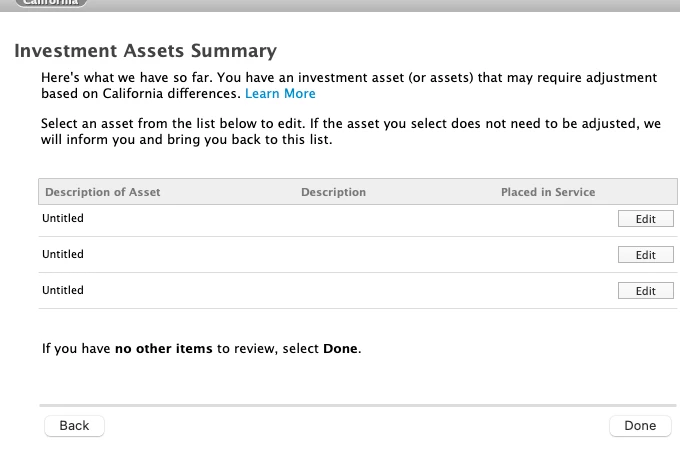
On State Return, under "Investment Assets Summary", I have three "Untitled" assets listed. No option to delete them. Unless I am missing something, I do not see corresponding entries on the Federal side anymore.
How do I fix this issue?
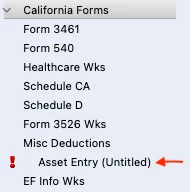
Can I just delete the "Asset Entry (Untitled)" form shown below?